






Price: $119.95
(as of Oct 10, 2025 04:16:55 UTC – Details)
Product description
Approved by Corporate. Designed for You. 
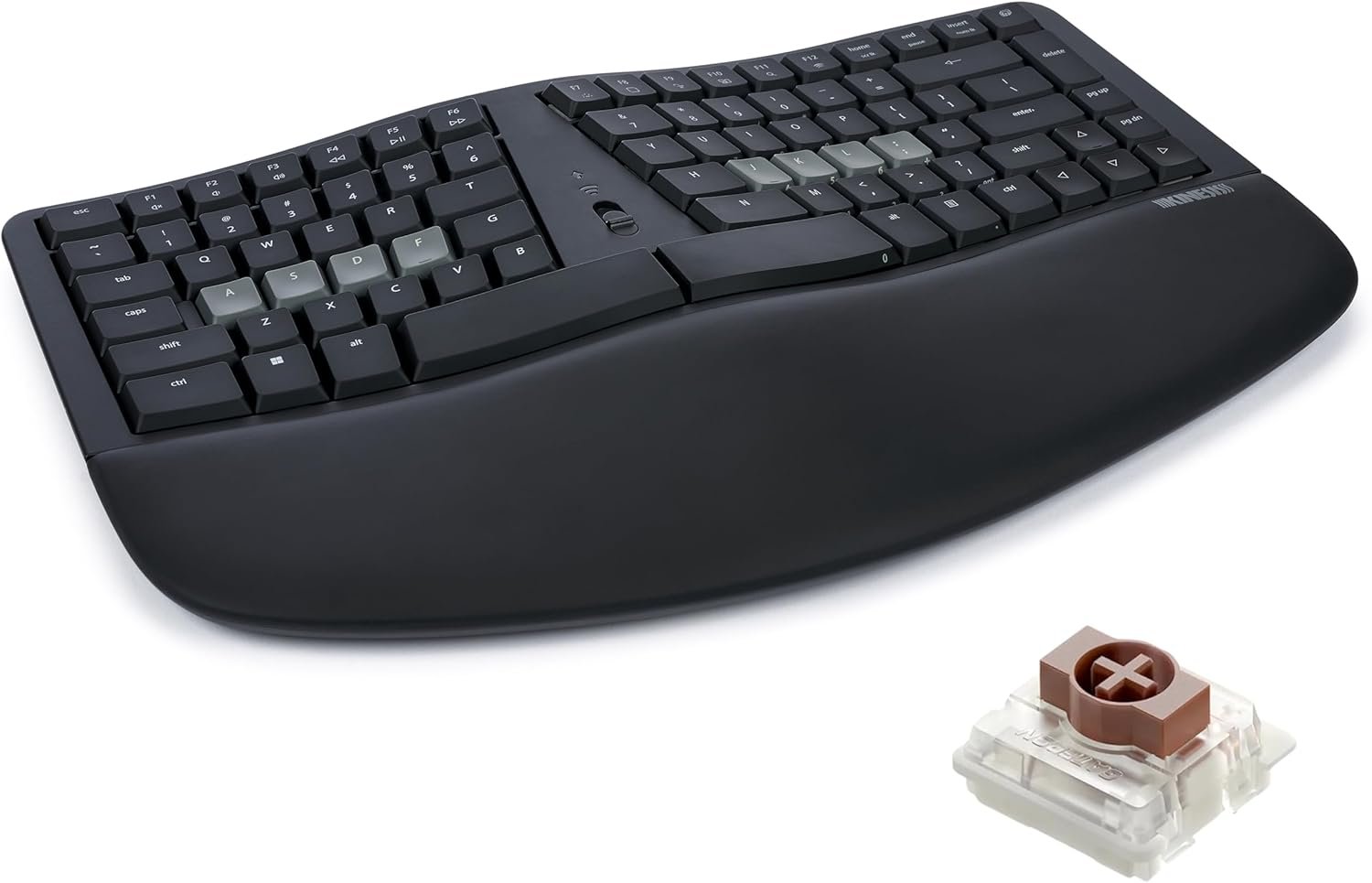
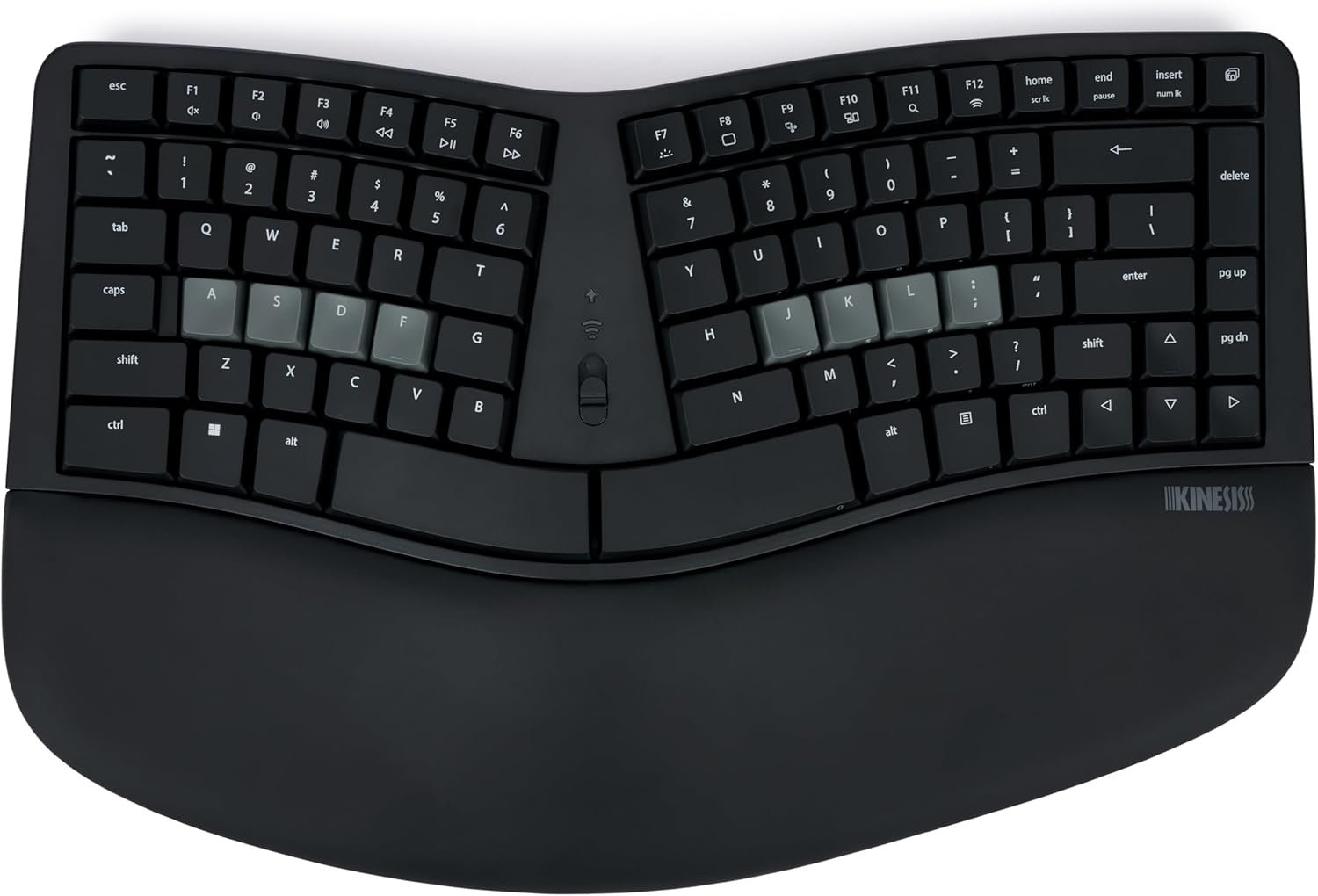
The classic sculpt design reimagined for a more discerning typist with mechanical switches, backlighting, easy programmability, and a built-in keypad layer. Your choice of wired or wireless connectivity so you can ditch the dongle. Upgrade your ergonomics without re-learning how to type!

Ergonomics
Reduce Ulnar Deviation
Position hands closer to shoulder-width in proper typing form to address carpal tunnel pain.

Ergonomics
Reduce Forearm Pronation
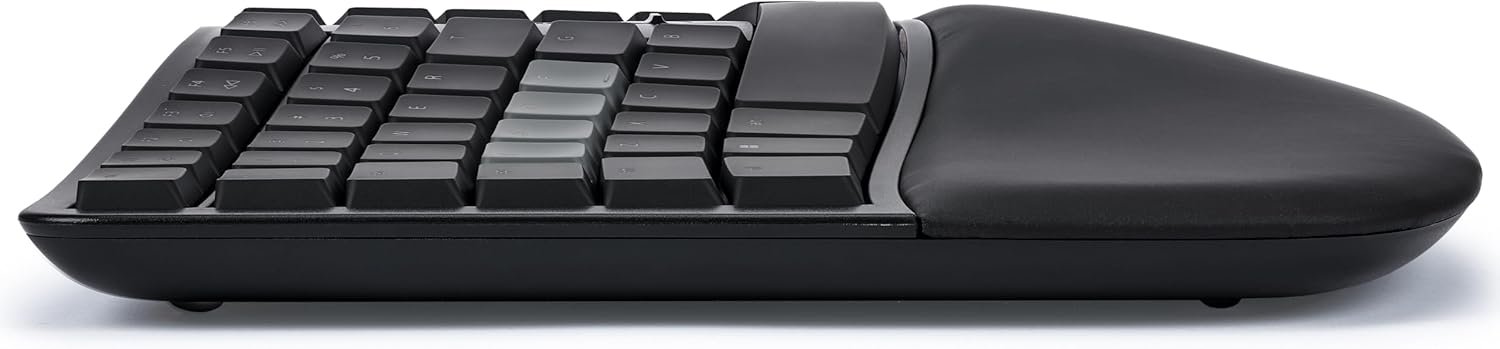
Elevate the thumb side of the hand to reduce forearm pain caused by flat keyboards.

Ergonomics
Reduce Wrist Extension
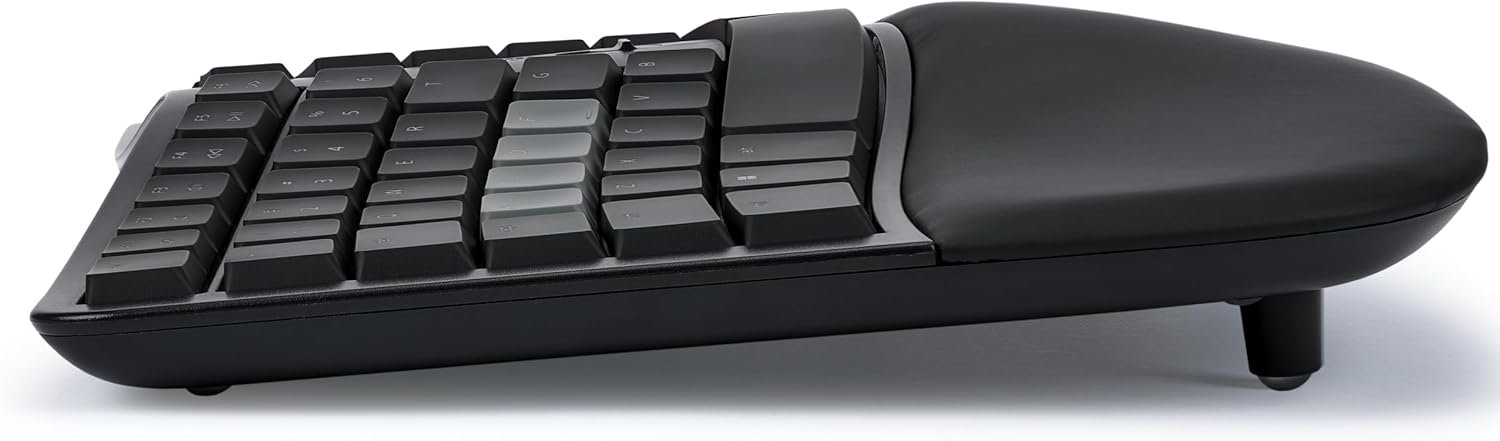
Thick cushioned palm support promotes a neutral typing position to reduce wrist pain.

Ergonomics
Reduce Finger Strain and Impacts
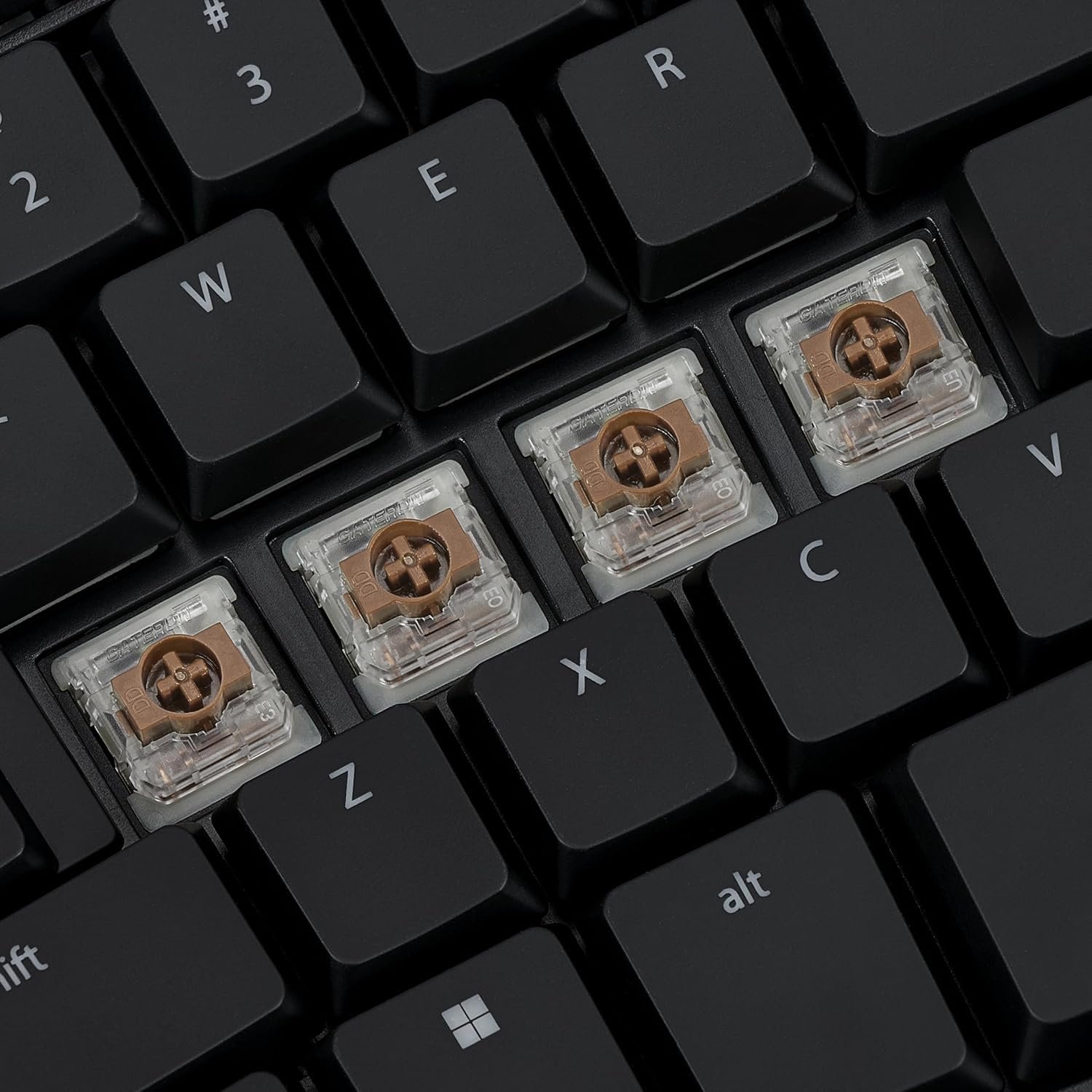
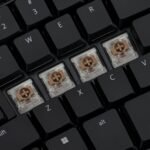
Low force, full travel mechanical switches reduce typing fatigue and minimize fingertip impacts.

Ergonomics
Closer Mouse Placement
Built-in keypad layer means less reaching for your mouse so you have less shoulder & neck pain.
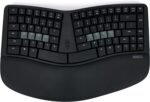
1 Split Layout
2 Tenting
3 Palm Support
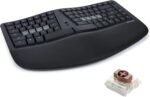
4 Mechanical Switches
5 Compact Layout
Built for Windows and Mac  Windows Modifiers and Hotkeys
Ctrl, Windows, Alt and Menu right where you want themF1-F12 keys in the Base layerHotkeys in the Fn layerBlack and Gray colorway
***12pc White Windows keycaps sold seperately
 macOS Modifiers and Hotkeys
Control, Option, and Command right where you want themHotkeys in the Base layerF1-F12 keys in the Fn layerWhite and Gray colorway
***12pc Black Mac keycaps sold seperately
You deserve a Kinesis
The video showcases the product in use.The video guides you through product setup.The video compares multiple products.The video shows the product being unpacked. mWave Features Merchant Video
More bang for your buck with mWave  Fully Programmable
Connect the mWave to your PC with the included USB cable and launch the Clique web app to reprogram ANY key (Chrome and Edge browser required).
 Backlighting
Connect the keyboard via USB to illuminate the upper key legends to reduce eye strain in low-light environments. Choose from 3 brightness levels.
 Integrated Keypad
Tap the Fn key to access the standard keypad actions with your right hand from the home row. Keypad actions are legended on the front of the keycap.
 Negative Tilt
If you have especially sensitive wrists snap on the 3 included magnetic feet to put the keys below the palm support for a negative typing angle.

Tech Specs
Operating System Windows, macOS, Linux, Chrome, iOS (Plug-and-Play) Key Switches Low Profile, Low Force Mechanical Switches (Gateron KS 33) Connectivity Wired USB Mode or Wireless Bluetooth Mode (No Dongle!) Layout Fully Programmable 85 key split layout with keypad in Fn Layer Backlighting Global white backlight available when connected via USB (3 Brightness levels) In the Box Keyboard, 3 Negative Tilt Magnetic Feet, Quick Start Guide, USB A-to-C Cable, and 2 AA batteries Official Accessories Companion “Mechanical Keypad LP” (Bluetooth/USB), 12pc kit with White Windows and Black Mac Modifier Keycaps, Complete 85pc Blank Keycap set in Black and White
EASY ERGONOMICS: Popular “wave” layout and thick padded palm support positions hands and arms in a neutral posture for enhanced comfort and no learning curve.
PREMIUM SWITCHES: Low-profile mechanical switches improve typing feel, performance, and durability. Low force and tactile feedback reduce finger strain and eliminate unnecessary impacts.
TWO WAYS TO CONNECT: Use the included USB cable for a wired connection or pair with two different Bluetooth devices and instantly switch between them (No dongle required).
POWERFUL PROGRAMMABILITY: Re-program any key with Kinesis Clique via Chrome or Edge browser. 350+ USB actions, mouse clicks, basic macros, tap-and-hold, up to 8 layers and much more.
CONVENIENT BACKLIGHTING: Connect the keyboard via USB to illuminate upper key legends to reduce eye-strain when working in low-light environments.
BUILT FOR WINDOWS: Dedicated Windows modifiers and hotkeys and black colorway looks great with PCs, laptops, and tablets.
INTEGRATED KEYPAD: Tap the Fn key to access the standard numeric keypad actions without leaving the home row.
IN THE BOX: mWave for PC keyboard (KB150P-TAC), USB C-to-A cable (6 ft), 3 magnetic feet for negative tilting, 2 AA batteries, Quick Start Guide.
Customers say
Customers consider this ergonomic keyboard to be the best ever made, with mechanical switches and good key physics. The keyboard receives mixed feedback regarding its ergonomics, brightness, and comfort, with some finding it comfortable while others disagree. Moreover, the noise level, key action, and functionality receive mixed reviews, with some finding it not overly noisy while others disagree, and one customer reporting issues with the spacebar working only 50% of the time.


![[2025 New Version] Kulukulu Vacuum Sealer Set, Portable Cordless Vacuu…](https://i0.wp.com/m.media-amazon.com/images/I/71M2BmJ6UEL._AC_SL1500_.jpg?w=768&resize=768,0&ssl=1 "[2025 New Version] Kulukulu Vacuum Sealer Set, Portable Cordless Vacuu…")
Reviews
Clear filtersThere are no reviews yet.